Naia Studio · Step 4
Video Studio
Join speech, action, and song clips into a vertical shorts video with your avatar.
What you do in Video Studio
- 01
Speech clips
Write a script to generate a talking avatar clip.
- 02
Action clips
Choose avatar motions and add them as clips.
- 03
Song clips
Clips of your avatar singing songs made in Vocal Studio.
- 04
Backgrounds
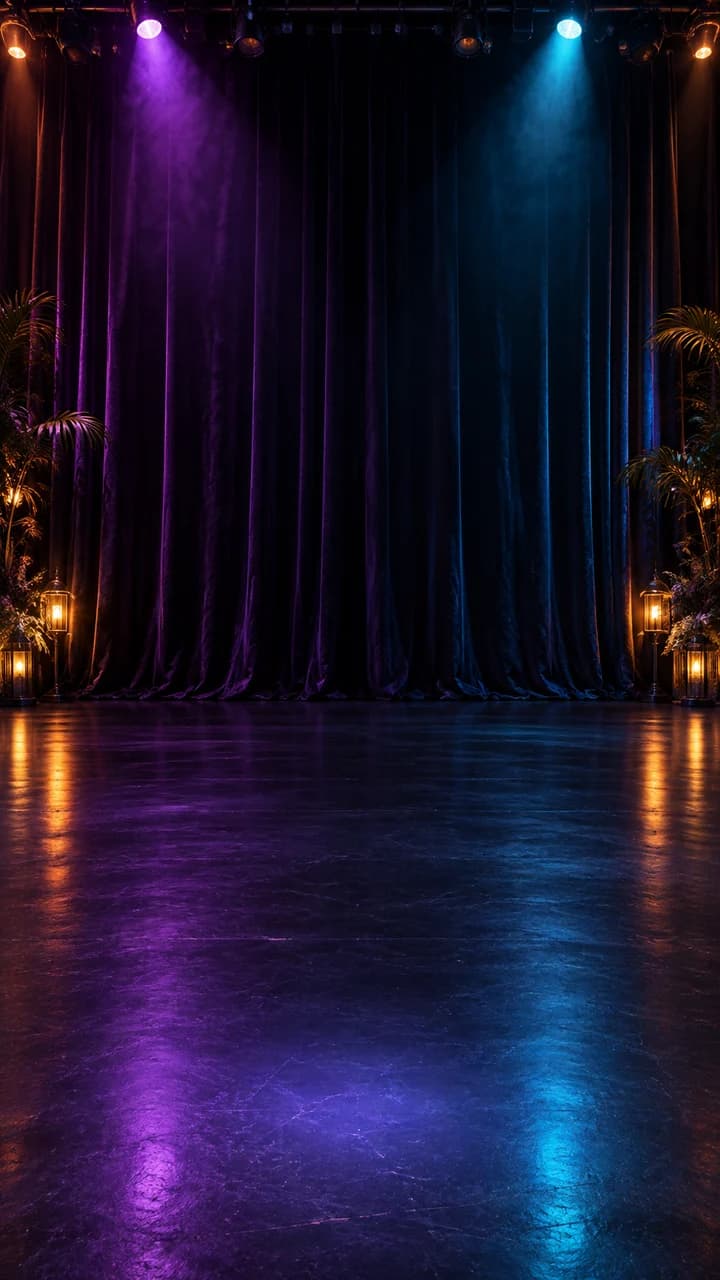
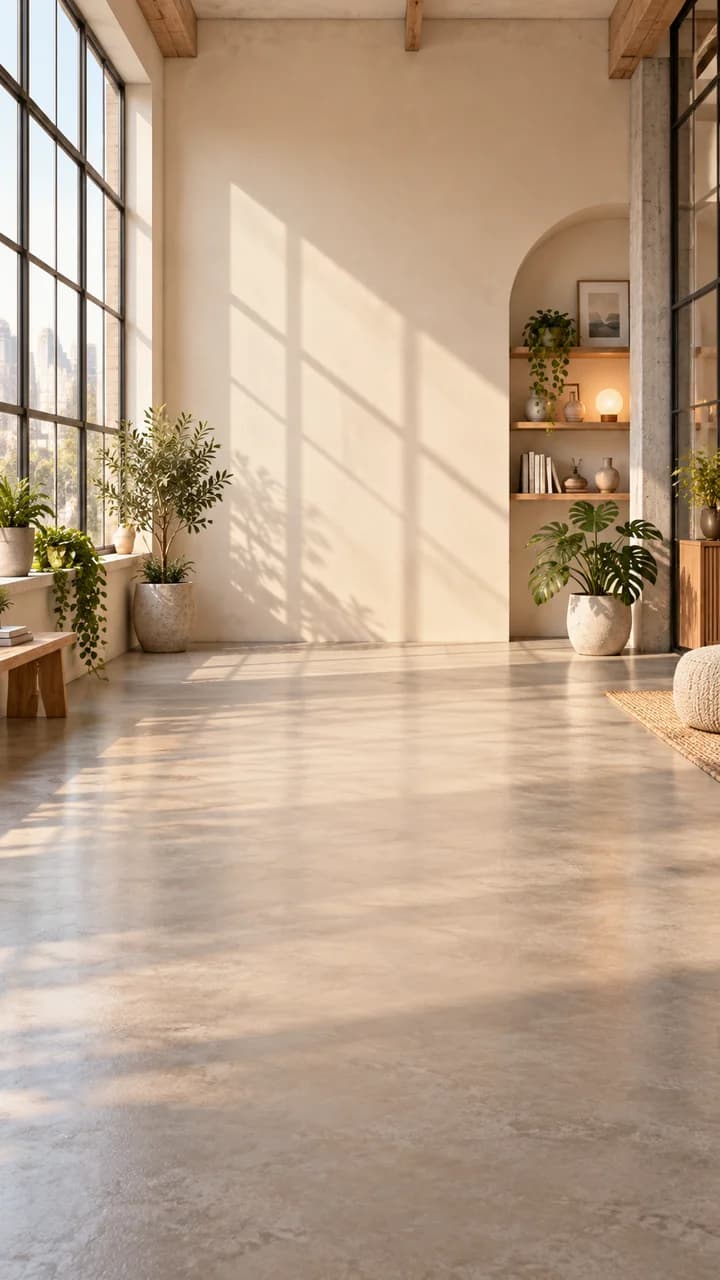
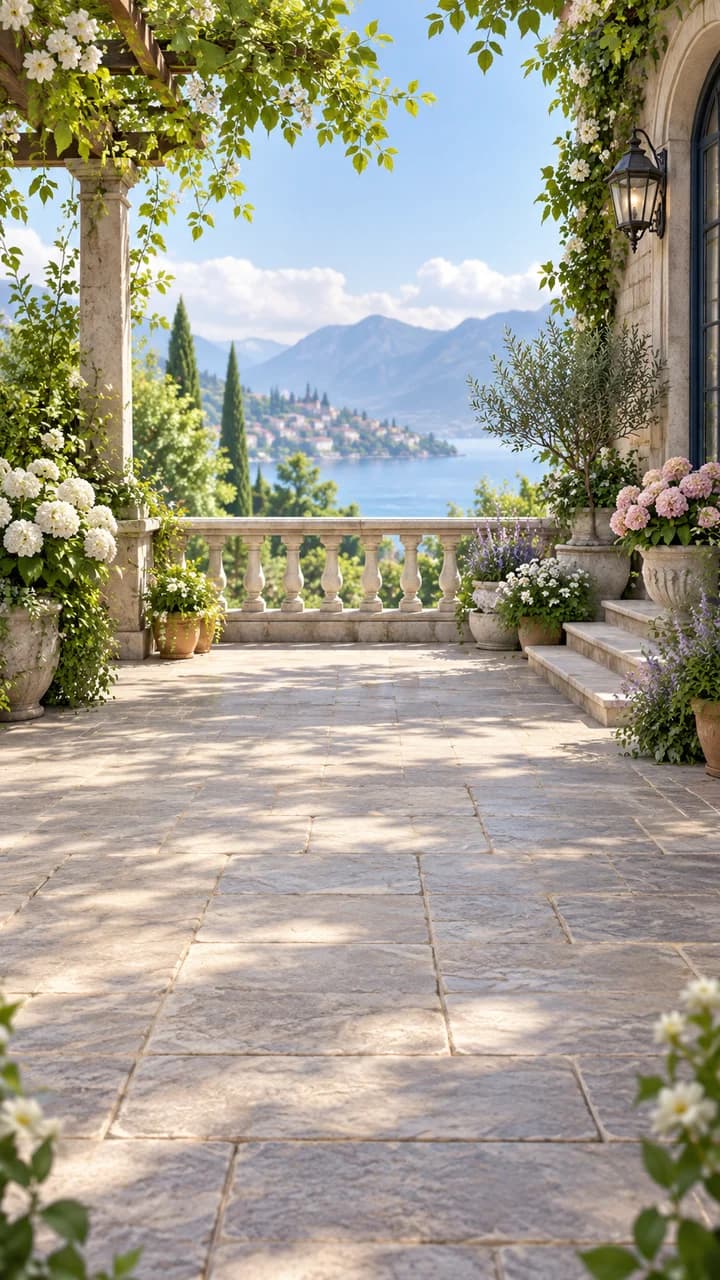
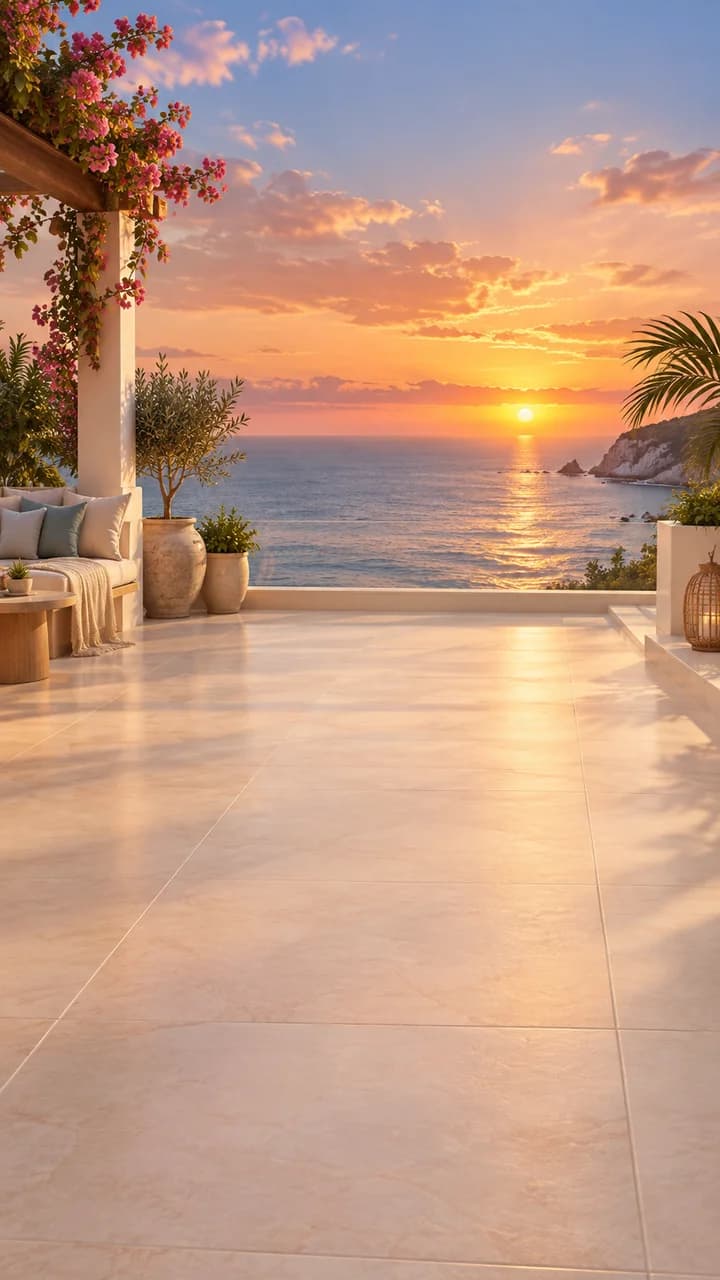
Pick a ready-made background or use your own image.
- 05
Timeline
Stitch clips together to save a 1080×1920 vertical video.